
How the Montrose County Court Calendar Works
Start with the Colorado Judicial Branch Docket Search. It covers upcoming Montrose County court schedule entries, listing settings for state District Court and County Court. Municipal courts run their own calendars. That means a city traffic ticket or ordinance case may be missing from it. Treat the portal as a settings tool. It is not a full register of action.
Every search needs a date plus at least one more filter. Date-only queries get rejected. You can narrow by judicial district, county, courthouse, court type, division, case number, party or business name, attorney name, or attorney bar number. Results paginate twenty at a time and can be printed or exported. The court posts no stated refresh interval. Verify any setting that may have just moved.
Montrose County Court Schedule Filters
This Montrose-filtered court docket link locks in the county for you. A date plus one more filter is still required. The case number is the strongest filter. Its four-digit year, class, and sequence separate people with similar names. When you lack the number, try the party or attorney filters instead. After picking the county, be sure to choose the right courthouse.
| Filter | Use | Montrose Detail |
|---|---|---|
| Date | Required calendar window | Must be paired with another filter |
| Courthouse | Separates locations | Check Montrose County and Montrose County - Nucla |
| Case number | Most precise identifier | Enter year, class, and sequence |
| Party or attorney | Alternative when number is unknown | Use Individual, Business, or attorney mode |
The official docket-search page for Montrose County shows the local filter setup on the state portal.
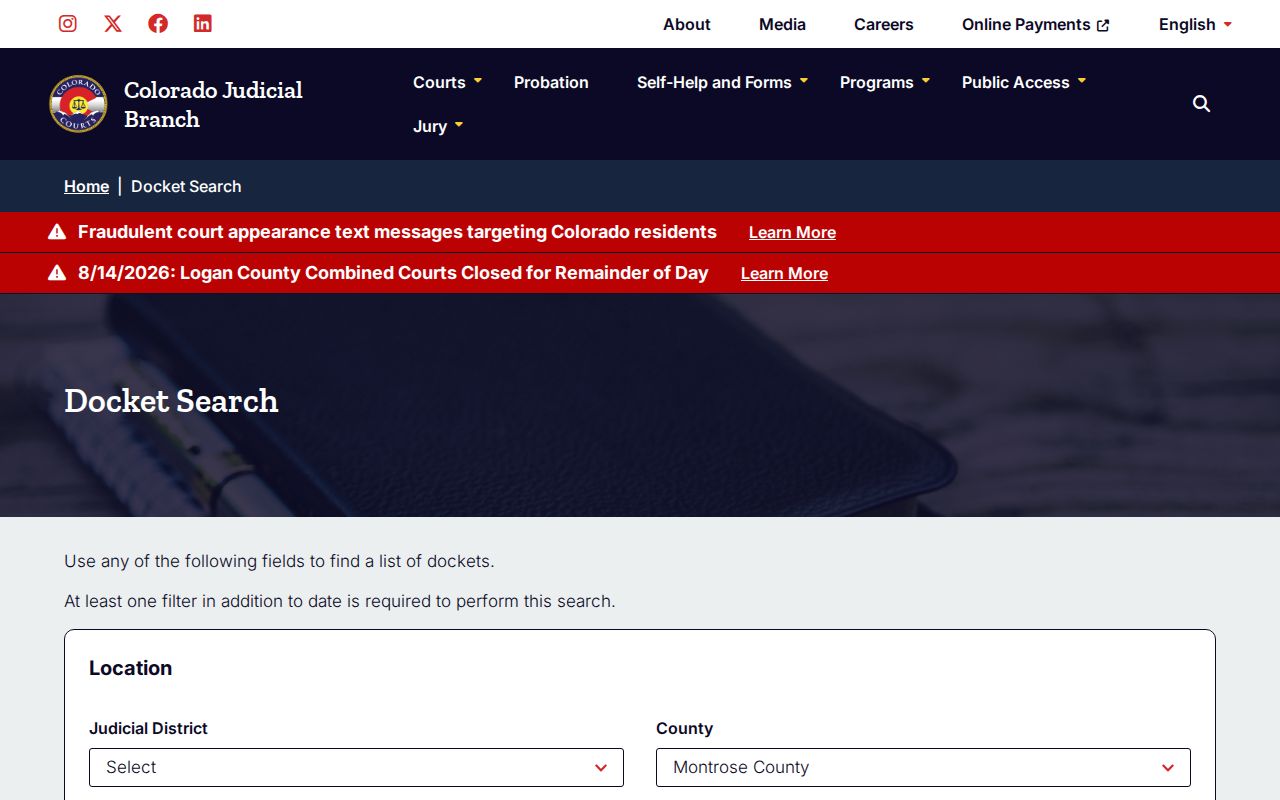
The interface locates hearings without exposing filed motions, charges, judgments, or document images.
Montrose County Court Date Lookups
Use every channel you have when a hearing affects a live case. The online result is the fastest public check. The clerk can sort out a reset or an unclear room. A courthouse counter offers in-person help. Your attorney can confirm what counsel was noticed. The court publishes no daily printed calendar. Never count on one being posted.
- Read the newest citation, notice, or order and note the case number, court, and stated date.
- Search the official docket by date plus case number, party, court, or division. Check both Montrose and Nucla when location is uncertain.
- Read the current date, time, duration, hearing type, appearance mode, location, and courtroom.
- Call the Montrose Combined Courts clerk at 970-252-4300 when a reset, missing result, or conflicting notice needs confirmation.
- Visit the Justice Center counter at 1200 North Grand Avenue, Bin A, or the Nucla associate counter at 300 Main Street when in-person help is needed.
- For a municipal case, contact the court named on the citation because the state calendar excludes municipal court dockets.
When you need more than the next date, ask the clerk for the ROA. Its chronological entries show when a setting was added or moved. An approved paid index sells informational case data, but it is not the official record.
Montrose County and Nucla Court Schedules
The official Montrose County court page lays out a two-location check that matters. The Justice Center sits in the county seat. Far to the west, about one hundred miles away, sits the Montrose Associate County Court at Nucla. It serves that statutorily defined area of the county. The state portal labels it “Montrose County - Nucla,” and it is a real County Court location, not a payment window.
Pick the wrong courthouse filter and a case can slip past you. Read the citation or caption. Compare the case class. Then search both local labels when the origin is unclear. County Court matters at Nucla share the central Montrose phone line. Municipal matters stay with the municipal clerk, even for towns in western Montrose County.
Location check: a blank Montrose result does not prove there is no hearing. Check Montrose County - Nucla and the named municipal court before calling the combined clerk.
Court Settings: What Each Field Means
A Montrose County court schedule result is a row of hearing fields. Read them as a set. A date alone, without location or appearance type, tells only part of the story. You can match a courtroom code to a judicial officer through the current Montrose judges and staff directory or the virtual-room directory. The public result never names the judge.
| Date and Time | The scheduled day and start time for the listed proceeding. |
|---|---|
| Duration | The time reserved on the calendar, not a promise of the actual length. |
| Case Number | Year, class, and sequence used to match the correct file. |
| Hearing Type | Named event such as arraignment, plea, status conference, disposition, setting, or trial. |
| Location | Montrose County or Montrose County - Nucla. |
| Appearance and Room | In person, virtual, telephone, or blank, plus a numeric, lettered, or magistrate courtroom code. |
No document links appear here. Neither charges nor outcomes do. For that, use the Montrose County docket search process to find the case, then ask the clerk for the ROA or a filed order.
Montrose County Court Schedule Terms
Hearing names on the Montrose County court schedule describe the purpose of a setting, not its outcome. Knowing their plain meanings helps you prepare good questions and skip unsupported guesses.
- Advisement
- An early criminal event at which allegations and rights are explained.
- Arraignment
- A criminal stage addressing charges, rights, plea, and procedure.
- Status Conference
- A review of case progress and unresolved issues.
- Disposition Hearing
- A setting where resolution may be considered or entered.
- Setting
- A scheduling event, not necessarily a trial.
- Initial Conference
- An early domestic-case management event.
Other labels you may see: Appearance on Bond, Plea Hearing, Formal Estate Hearing, Hearing on Guardianship, Court Trial, and Jury Trial. No label proves what the court decided. The minute order or signed order answers that.
When a Court Date Moves
A continuance or reset pushes a proceeding to a later date. A cancellation wipes a setting off the calendar without ending the case. Set the newest public result beside the ROA. Old paperwork can carry a stale date. An old calendar hit won't reveal the new one either.
Call 970-252-4300 with the case number if the latest listing confuses you. The clerk can pull the official case record and point you to the right file. A represented party should also call their attorney. A moved entry alone is not enough. Never pick a new appearance mode or open a virtual link based only on it.
Note: The current court setting controls. Confirm consequential hearing details with the clerk whenever sources conflict.
Montrose County Virtual Court Schedules
The Montrose livestream and virtual courtroom directory maps local courtrooms to Webex resources.
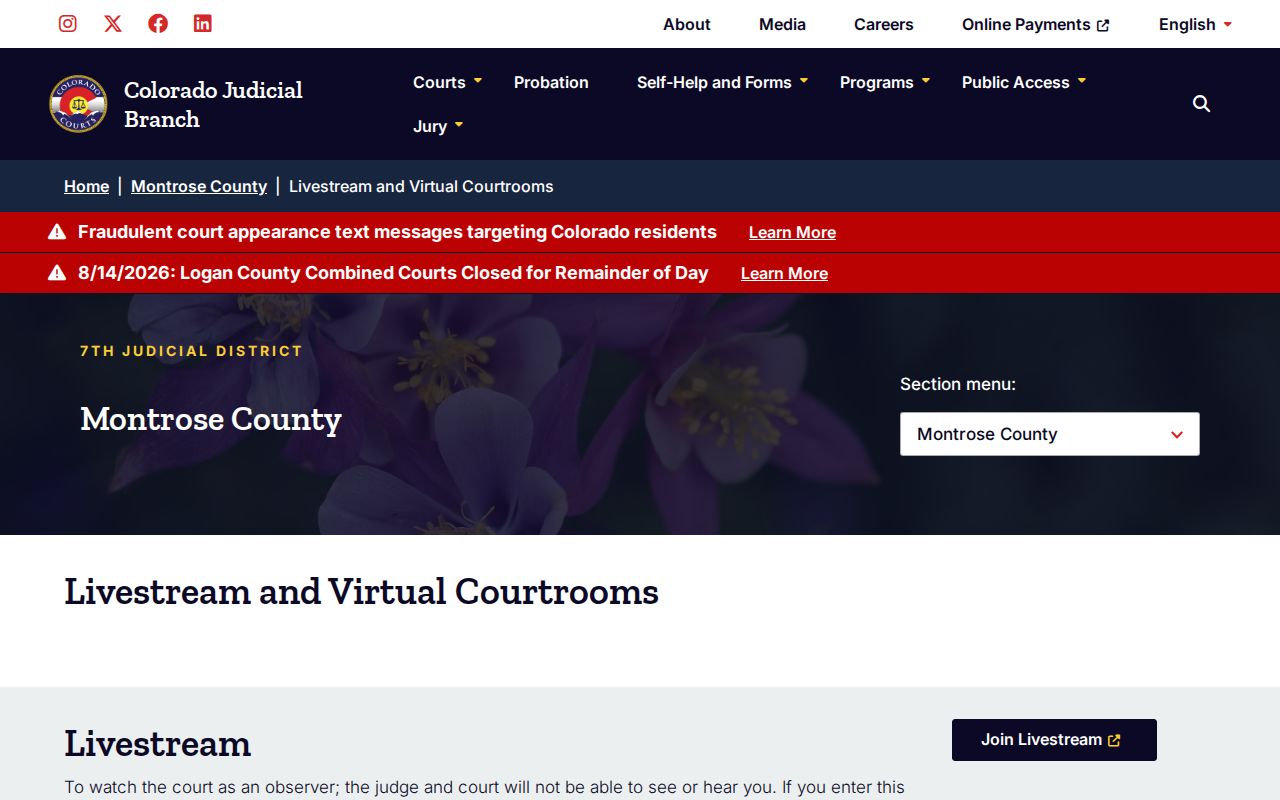
Room codes on the Montrose County court schedule cover District Court rooms, lettered County Court rooms, and magistrate divisions. Once the docket shows the current setting, the code tells you which courtroom holds it. Need the bigger picture? The statewide virtual courtroom directory adds a broader court selector.
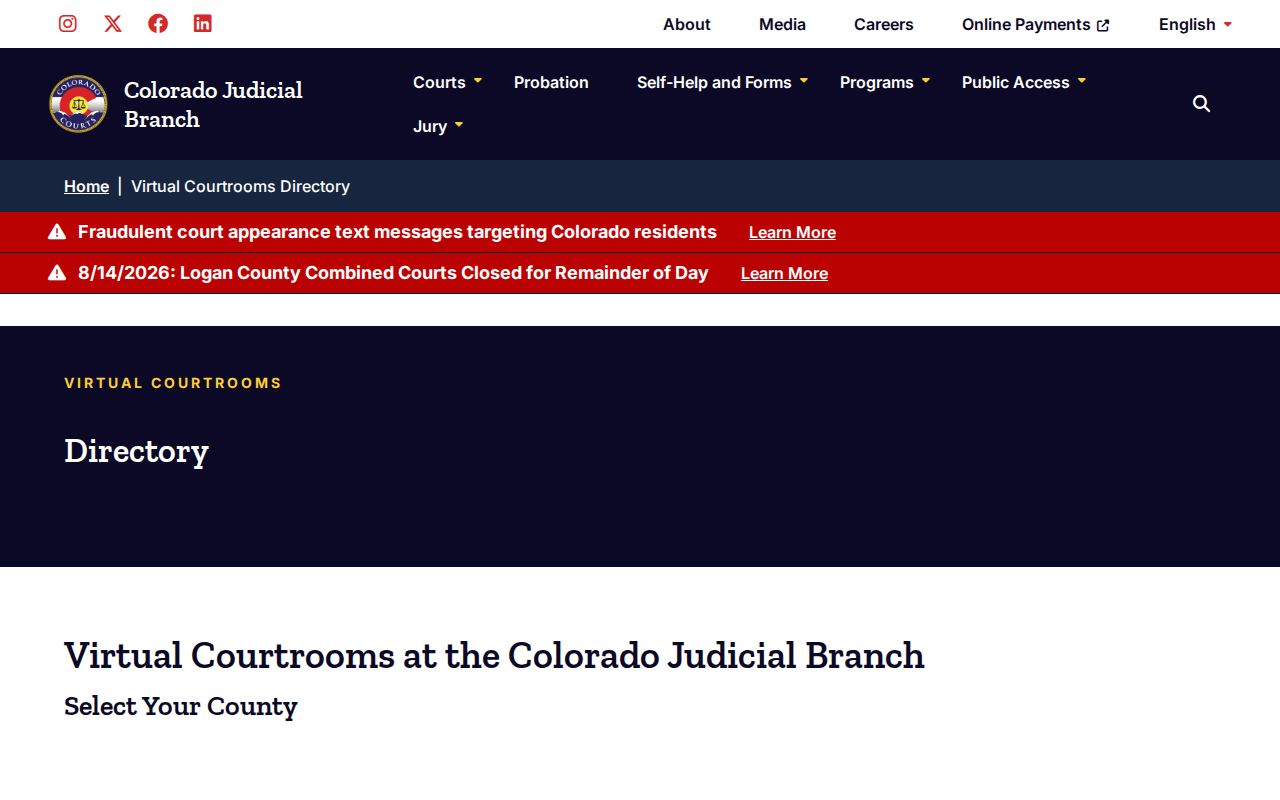
Neither directory gives anyone leave to appear remotely. Montrose County requires prior approval first. The published Webex phone and room codes work only for hearings the court has already authorized in that mode.
Montrose County Court Appearance Modes
A calendar entry may read IN PERSON, VIRTUAL, or TELEPHONE. Some indexed entries leave the field blank. "Virtual" tells you the hearing is set up for remote technology. It does not let any viewer simply join Webex. The same goes for "Telephone," which needs case-specific authorization and instructions. A blank field means one thing. Ask the clerk at the Montrose County Combined Courts before guessing.
| Mode | What the Calendar Says | Next Check |
|---|---|---|
| In person | Appear at the listed location and room | Confirm Montrose or Nucla and the start time |
| Virtual | Remote mode appears on the result | Confirm prior approval and use the assigned room link |
| Telephone | Phone mode appears on the result | Use only the court's authorized dial-in details |
| Blank | No mode shown | Contact the clerk before the setting |
Watching a livestream is observing, not appearing. Treat a stream as your appearance and the court warns of failure-to-appear consequences.
Missed Settings and What Comes Next
Missed a Montrose County court date? Act fast. Pull up the current calendar entry, then call the clerk at 970-252-4300 with your case number handy. If you have a lawyer, contact counsel too. Ask what the official ROA shows, and whether the court entered a new setting, a warrant, or any other order. The clerk can grant record access but cannot give legal advice.
Missed a setting? A failure to appear can lead to a warrant or other case consequences, depending on the matter and the court's order.
Do not assume a livestream, voicemail, or old notice cured the absence. Confirm the official status and next court date directly.
Legal counsel can explain options in the specific case before any unplanned appearance.
Municipal case? Call that municipal clerk, not the state Combined Courts office. A Nucla County Court matter is different. Point staff to the Nucla location even though the central phone is shared. The current case record controls what happens next. It is not a general calendar assumption.