
Name-Based Case Searches
For upcoming settings, use the free Colorado Judicial Branch Docket Search filtered to Montrose County. It lets you search for an individual, a business, or an attorney. But a date selection always needs a companion filter. Name searches work best when you already know the courthouse and the likely case class. Keep in mind it covers hearings only. It will not surface filed motions or scanned orders.
Enter the party name exactly as it appears on a citation, notice, or pleading. Some western-county matters sit under “Montrose County - Nucla.” A city-code ticket may stay with the municipal clerk and never reach the state search at all.
- Choose Montrose County, then select Montrose or the Nucla courthouse when location is known.
- Set the date or date range and add an individual, business, attorney, or case filter.
- Enter the name carefully. Switch between Individual and Business when the caption may use an entity.
- Compare the case number, hearing type, courtroom, and appearance mode before relying on a result.
- Call the Combined Courts clerk if spelling, venue, or a recent reset leaves the setting unclear.
| Field | Type | Required | Montrose County use |
|---|---|---|---|
| County / Courthouse | Dropdown | No | Choose Montrose County and check the Nucla location when relevant. |
| Specify A Date | Date | Yes | A date alone is rejected, so add another filter. |
| Individual / Business | Radio | Conditional | Changes the party-name fields. |
| Attorney name / bar number | Radio and text | No | Provides a separate attorney route. |
Montrose County Docket Search Fields
Montrose County docket searches run through the statewide form, and it costs nothing. The official search form lays out its controls side by side: location, date, party, attorney, and case number all narrow the results together. The form pages results in groups of twenty, and you can print or export whatever it returns.
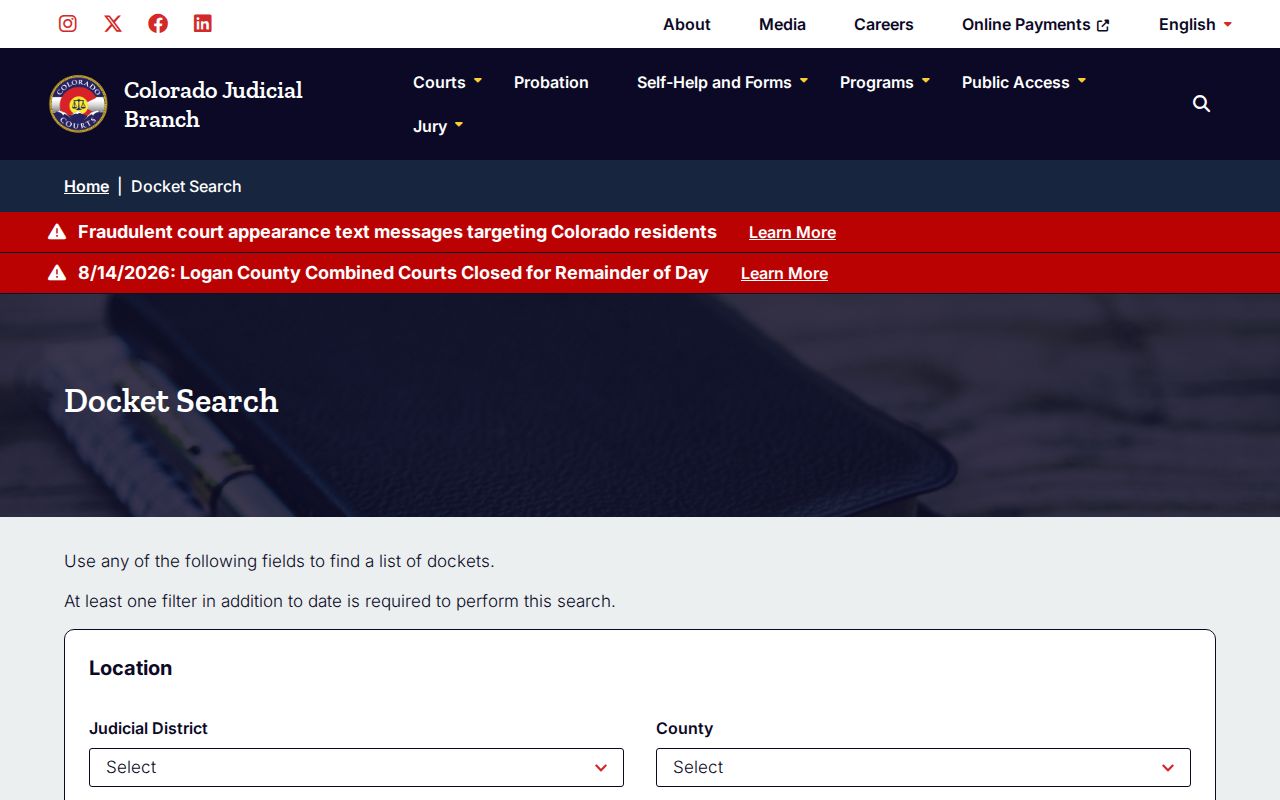
Remember what the interface actually gives you: a hearing list. That is its limit. It does not include the complaint, the charge, an order, a disposition, or any image of a filed document. For those, you need the clerk or authorized party access.
Case Number Searches
Nothing separates people with common names like a case number. In Colorado, the identifier breaks into a four-digit year, a case class, and a sequence. The official request process gives 2019T999999 as an example. There, the T marks a County Court traffic case. Montrose County matters also use other class codes. CR is District Court criminal. M is County Court misdemeanor. C or CV is civil. DR is domestic relations, PR is probate, and JD is juvenile delinquency.
Picking the wrong class or courthouse can bury a valid setting. Treat those class examples as routing clues, not an official glossary. Read the caption and court location before trusting any code. Without a case number, the clerk will run a formal name search for the published fee. The request form takes a birth date or other identifying details if you have them.
Why Montrose County Date-Only Searches Fail
The portal will not run a date alone. It demands at least one more filter. That keeps a broad request from pulling every Montrose County setting in one gulp. Add a party, an attorney, a division, a courthouse, a court type, or part of a case number. A narrow filter also separates the main Justice Center docket from the associate court docket in Nucla.
Quick check: If the form rejects a search, confirm that both a date and another field are filled in before changing the name.
“No results” is not the end of the story. The setting might fall outside your date range, carry a different spelling, sit in a municipal court, or be shielded from remote display. A brand-new filing can also lack any upcoming event. Change one variable at a time. Still nothing? Call the court that created the record.
Montrose County Official Name Search
When the case number is a mystery, the clerk’s official request form offers a name search. The published charge is $5. That is a true court-record service. It is not the same as typing a name into the free hearing calendar or paying a CoCourts result.
Fill in the party information, case type, filing year, and Montrose County location if you know them. A birth date helps the clerk separate people with similar names. The form even has an “I don’t know the County” option plus space for other identifying facts. But naming Montrose or Nucla gives the clerk a cleaner starting point.
Use this route when the free docket search shows no future setting. Use it when you must pin down an official file before ordering an ROA. The clerk calculates the applicable charge and can tell you which record answers your question.
Case Search Results Explained
A free Montrose County case search hands back calendar facts, enough to locate a proceeding and show up for it. It does not hand back a full Register of Action. The fields described here reflect actual Montrose and Montrose-Nucla results, with private party names left out.
| Date, time, duration | The scheduled start and allotted hearing length. |
|---|---|
| Case display and number | The party or business display plus year, class, and sequence. |
| Hearing type | A label such as arraignment, plea hearing, status conference, setting, or trial. |
| Location | Montrose County or Montrose County - Nucla. |
| Appearance and room | In person, virtual, telephone, or blank, plus a courtroom or division. |
| Not included | Document images, charges, disposition, and the complete case history. |
A hearing label names the event, not the outcome. The same goes for virtual or telephone text, which grants no permission to appear that way; prior court approval still controls.
Three Montrose County Record Layers
Montrose County case information sits in three practical layers. The free docket lists future settings. A paid, informational case index comes from an approved vendor. The official Register of Action and all filed documents live elsewhere. They sit with the Clerk of Court, Montrose Combined Courts.
The Judicial Branch court-record access guide states something plainly. Its website gives no public access to full case records. Instead, it points readers toward charged vendors for limited real-time register data.
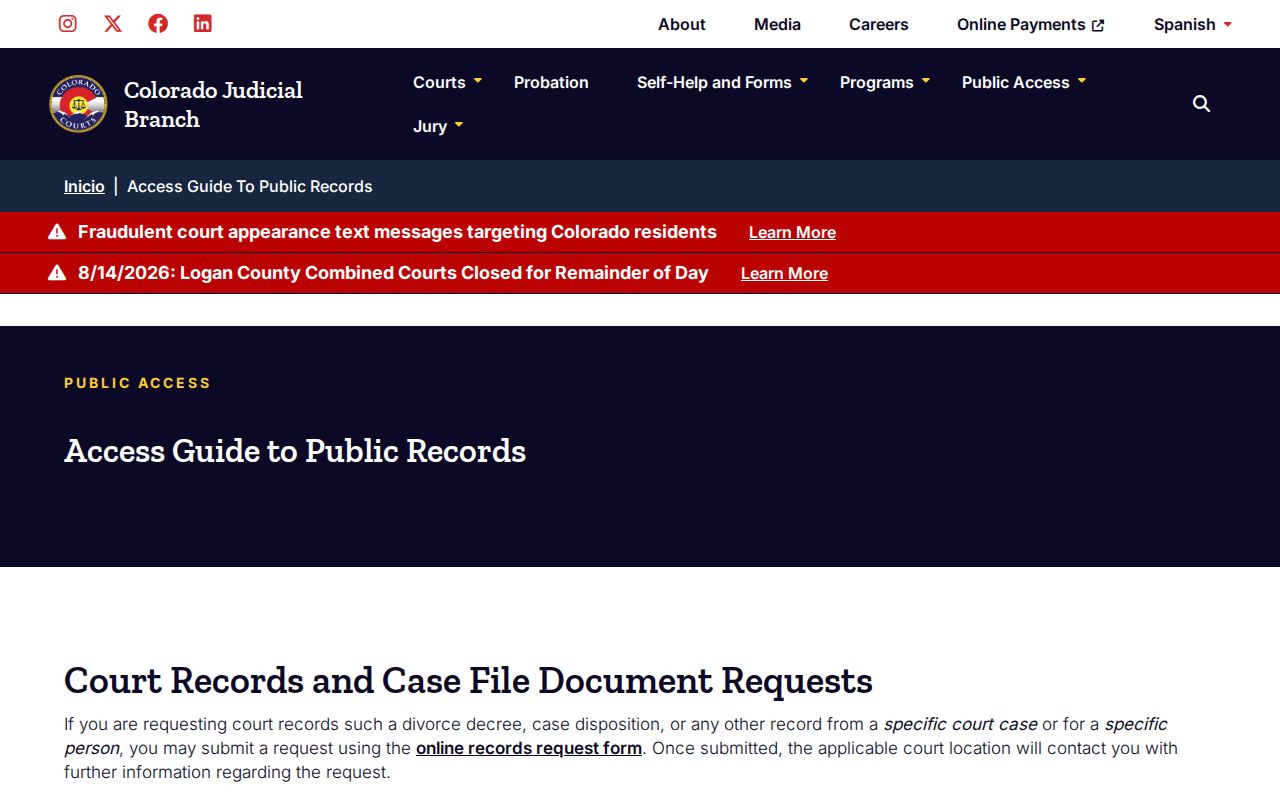
The access guide draws a bright line. A vendor summary might help you identify a case, but a motion, minute order, judgment, or certified disposition must come from the court holding the file.
Montrose County Records Since 1993
CoCourts covers Montrose County and Montrose-Nucla county and district dockets back to 1993. Both open and closed cases can turn up in the index. That year marks the edge of the electronic coverage. It is not the moment older clerk files stopped existing.
The vendor leaves out sealed, juvenile, and probate cases. Street addresses and Social Security numbers are left out too. Municipal courts sit outside its county and district database as well. So a blank result may just reflect the vendor's scope. It does not prove the absence of a court record.
For anything older or excluded, hand the Combined Courts clerk whatever details you have. Give the clerk the case and party information. Off-site files may involve actual retrieval cost. The clerk still issues the official ROA or document.
Two Ways to Search: County and State
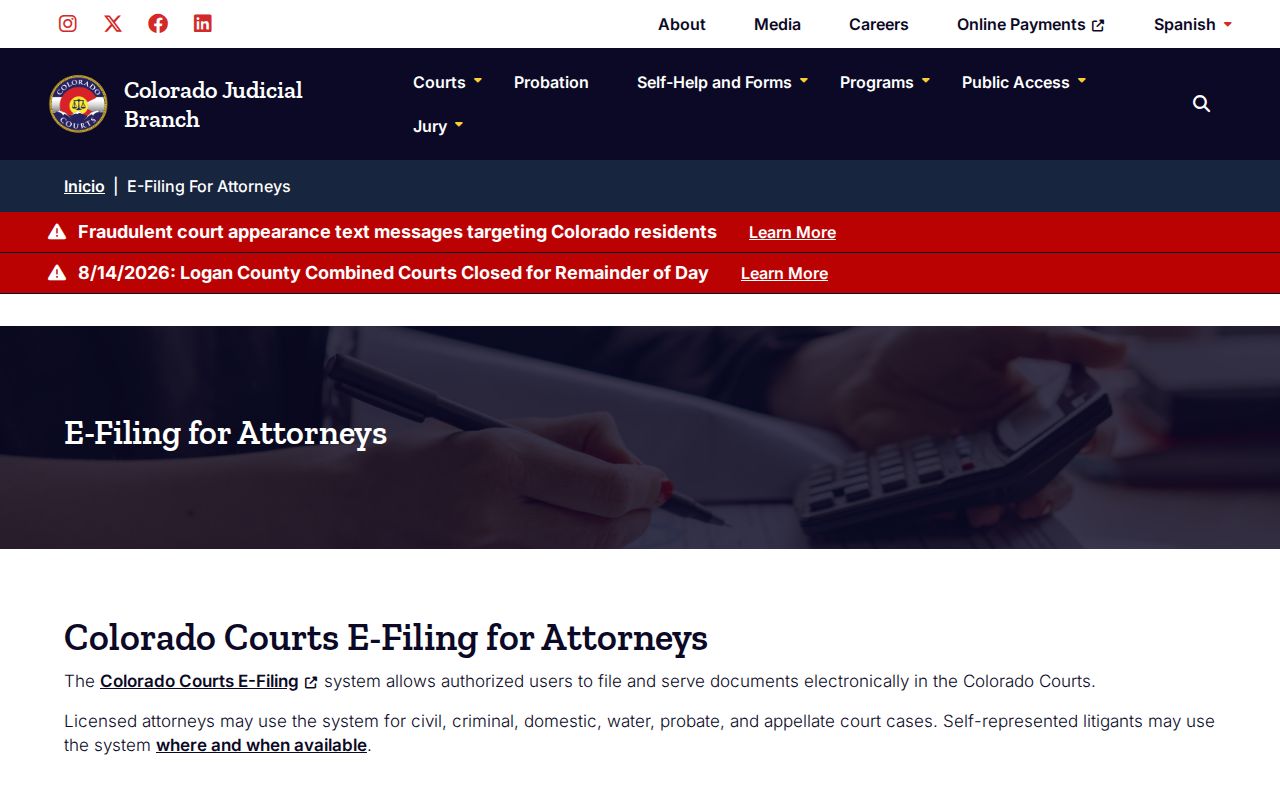
Colorado has no single free portal for full-text county case files. Montrose County dockets therefore run through two doors: the statewide docket for court settings, and Judicial Branch-approved vendors for broader index data. Both state trial-court locations fall inside that coverage. Municipal courts do not.
| Channel | Access and coverage | Best use |
|---|---|---|
| Judicial Branch Docket Search | Free, no login; upcoming Montrose and Nucla settings | Confirm a date, hearing type, room, and appearance mode |
| CoCourts / LexisNexis | Paid registration; county and district index data | Find an informational ROA-style summary |
| Combined Courts clerk | Online form, email, phone, mail, or counter | Get the official ROA, document, certified copy, or older file |
The approved-vendor list itself carries a caution. Vendor data is not the official record and can omit cases or contain errors.
When a vendor result disagrees with a clerk file, the clerk-issued record controls. Contact the court that created the record.
Montrose County CoCourts Search Costs
CoCourts requires registration. It reaches Montrose County and Montrose-Nucla county and district data back to 1993. Open and closed cases can both surface. A result may show status, court, case number and type, file and close dates, judge, parties, charges, plea, disposition, sentence date, and scheduled events. It will not carry pleadings, detailed minutes, narratives, or document images.
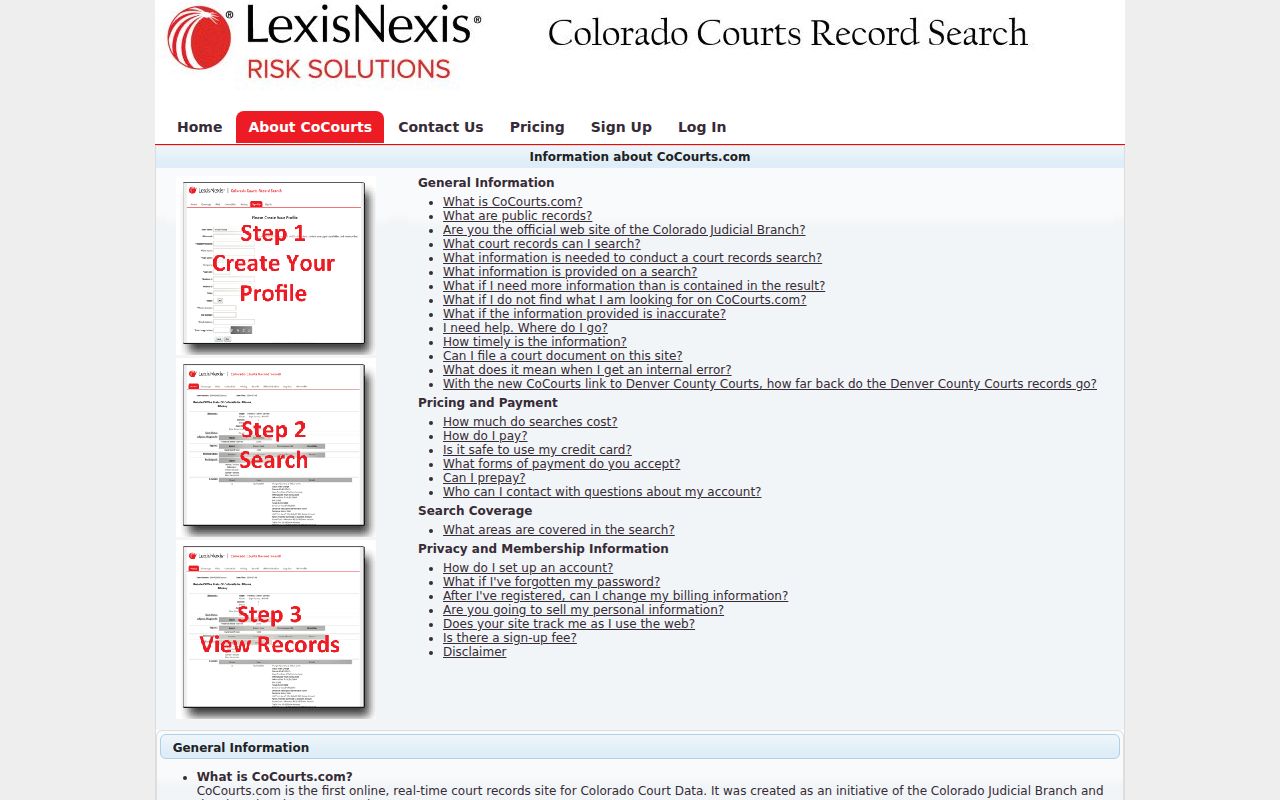
The CoCourts search screen is the account-based route in.
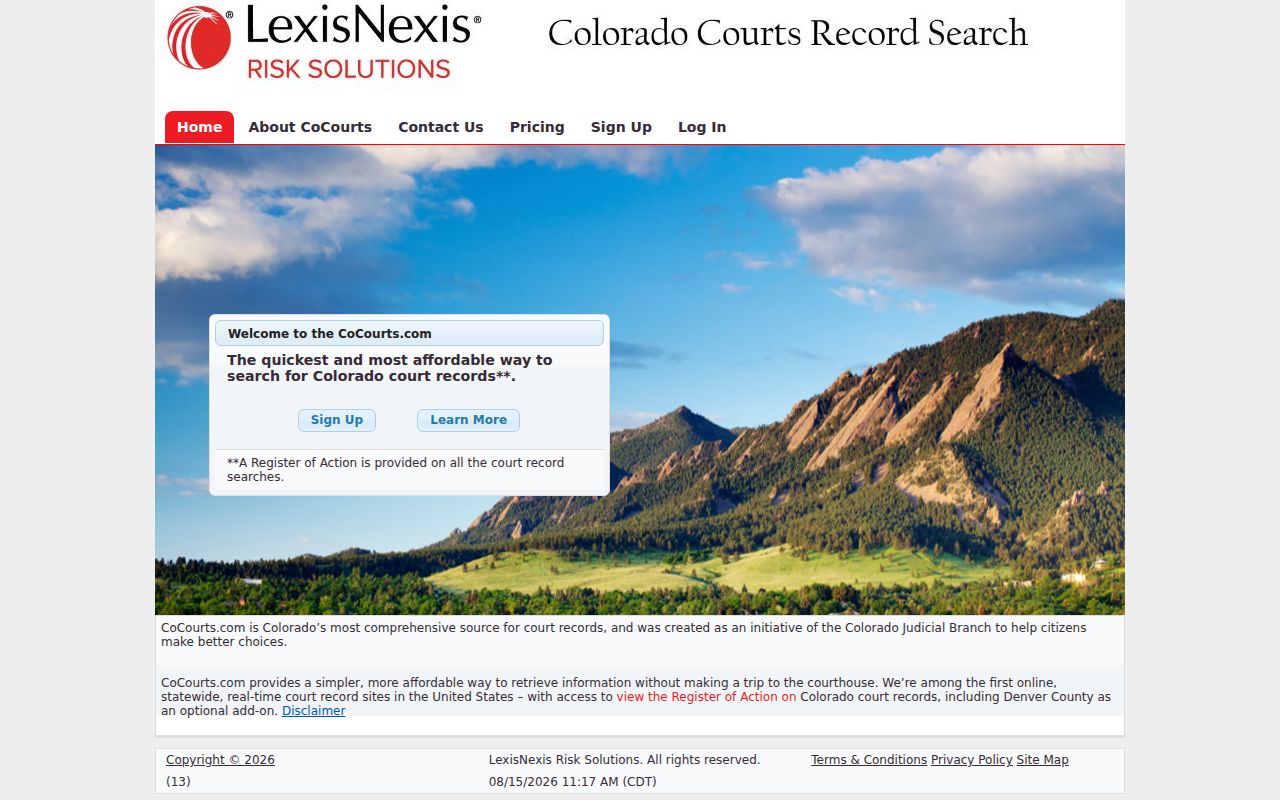
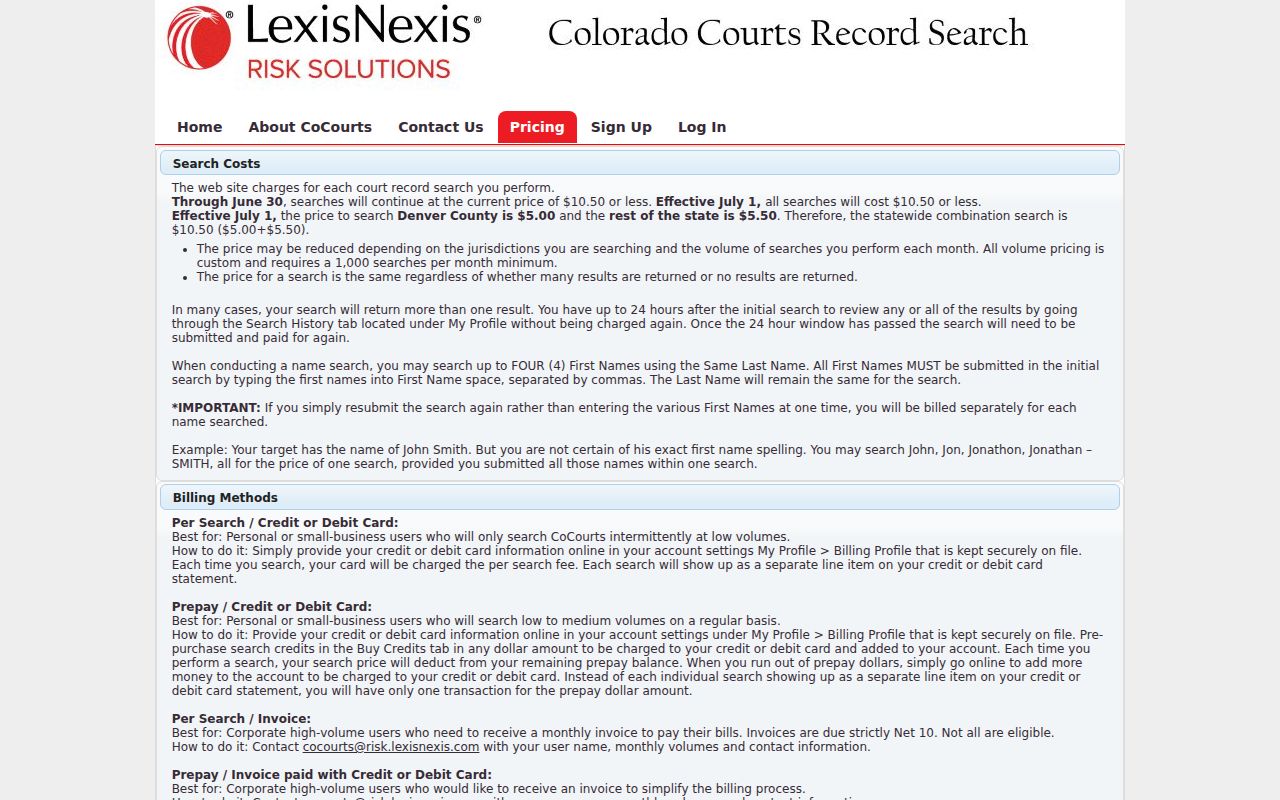
A rest-of-state search runs $5.50, and you pay even when nothing matches. A combined statewide search is $10.50. These are search charges, not clerk copy fees. The vendor's service explanation lays out the result limits and the 24-hour Search History.
Once you pay, the result stays open through Search History for twenty-four hours at no new charge. Resubmitting the search can trigger another fee. The published CoCourts pricing page has the current amounts.
Pay for the index only when its extra fields actually answer your question. Need an authenticated record? Go straight to a clerk request.
Montrose County Municipal Ticket Search
A municipal ticket will not show up in the state county and district index just because it arose inside Montrose County. Read the citation for the issuing city or town. Montrose Municipal Court keeps its own citation lookup. Other local courts may depend on the clerk by phone, mail, or counter.
For a Colorado traffic case filed in County Court, the state docket is still the right route. Unsure of the location? Check both Montrose and Montrose County - Nucla. A T case class signals state County Court traffic. A city ordinance citation stays municipal.
If neither route turns up a match, call the named municipal clerk or the Combined Courts clerk before assuming the case is restricted. Venue, spelling, date range, or the lack of a future setting can each explain a missing search result.
Which Cases Stay Restricted
Chief Justice Directive 05-01 sorts cases into public, protected-after-redaction, restricted, suppressed, and sealed levels. Sealed and juvenile matters may not appear remotely. CoCourts excludes sealed, juvenile, and probate cases as well. Protected personal data can be removed. That can happen even when the rest of a Montrose County case record stays public.
A blank result can also mean the wrong courthouse. It could point to a municipal venue, a spelling error, or no future setting. Silence does not equal sealing. A person with lawful access should contact the Combined Courts clerk. Explain the relationship to the case, and bring identification or an order if required. The official form warns that suppressed, juvenile, probate, or confidential requests may call for government-issued photo ID.
Correcting Montrose County Search Data
Vendor data is copied from the Judicial Department database but stays informational. Spot a wrong status, date, party role, or disposition in the case index? Contact the court where the record was created. Montrose state cases go to the Combined Courts clerk at 970-252-4300 or MontroseClerk@judicial.state.co.us. The counter sits at 1200 North Grand Avenue, Bin A, Montrose. The associate court is at 300 Main Street in Nucla.
The clerk can supply or explain the official ROA. Requests can also go through the Record/Document Request Form. Email, mail, or either counter work as well. Older files can carry actual off-site retrieval cost. For copies and authentication details, see the Montrose County court case records request details.